
Motion studies
Independent visual journalIssue No. 01
Explore original fire-inspired wallpapers, AMOLED compositions and practical guides for choosing artwork that looks sharp on every mobile display.
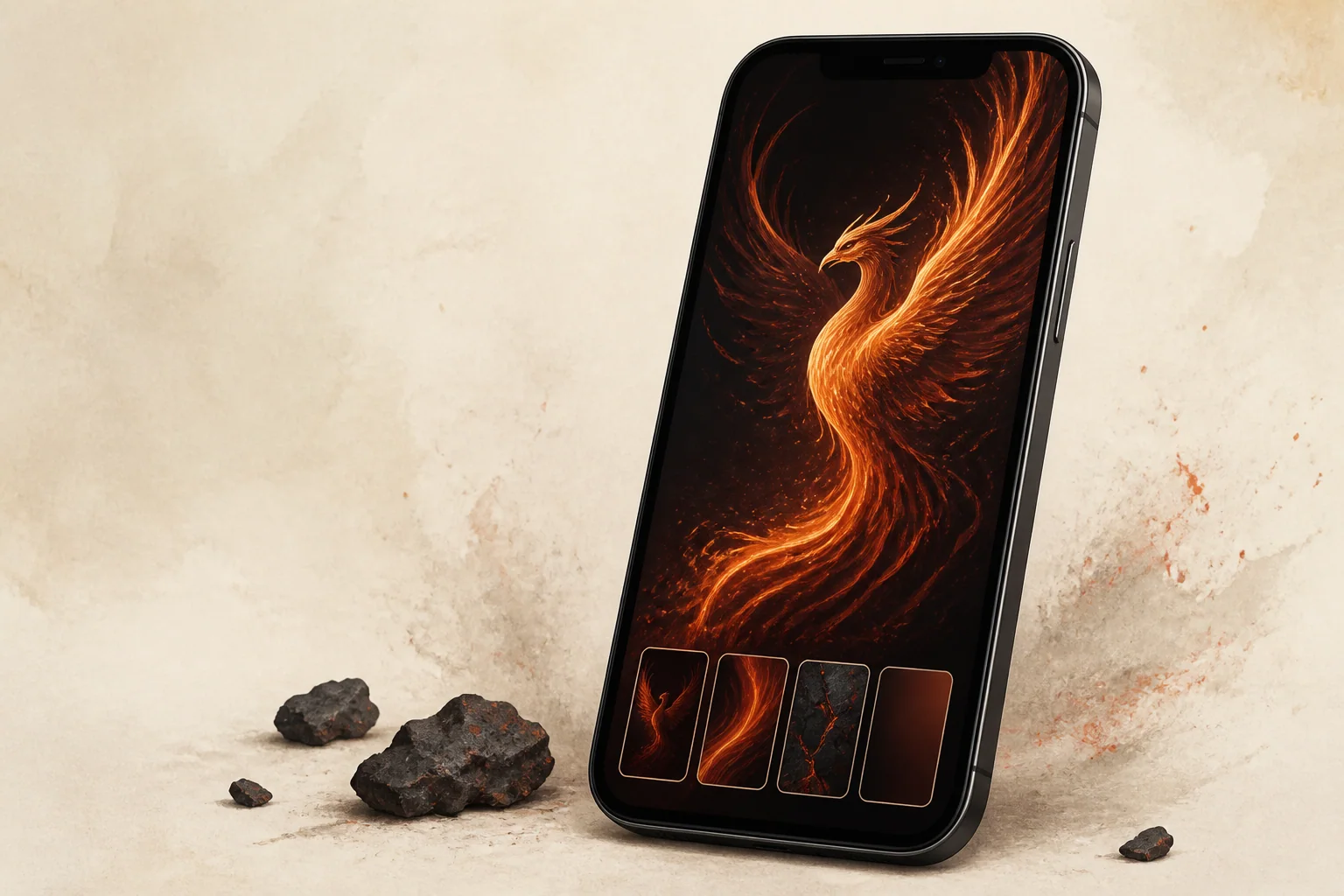
Featured collections
Curated sets built around motion, restraint and tactile detail. Each work is clearly labelled and prepared for contemporary displays.
Latest articles
Practical display guidance sits beside careful visual history, with the difference between evidence and interpretation made explicit.

A practical look at black levels, bright highlights and why the same illustration should be checked on more than one display.
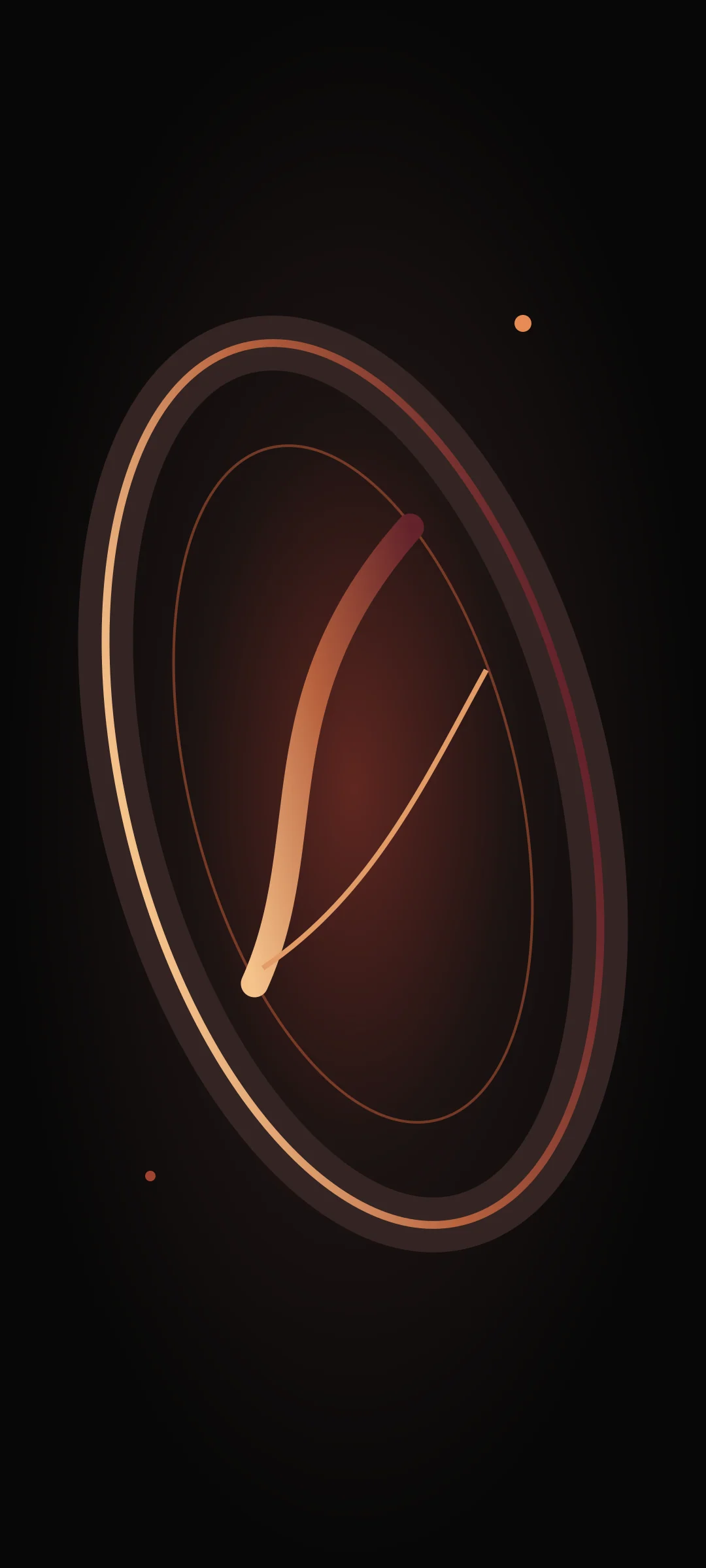
Resolution is only one part of a good fit. Safe zones, crop behavior and interface overlays matter just as much.
How artists use return, flame and circular motion—without collapsing distinct cultural traditions into one generic bird.
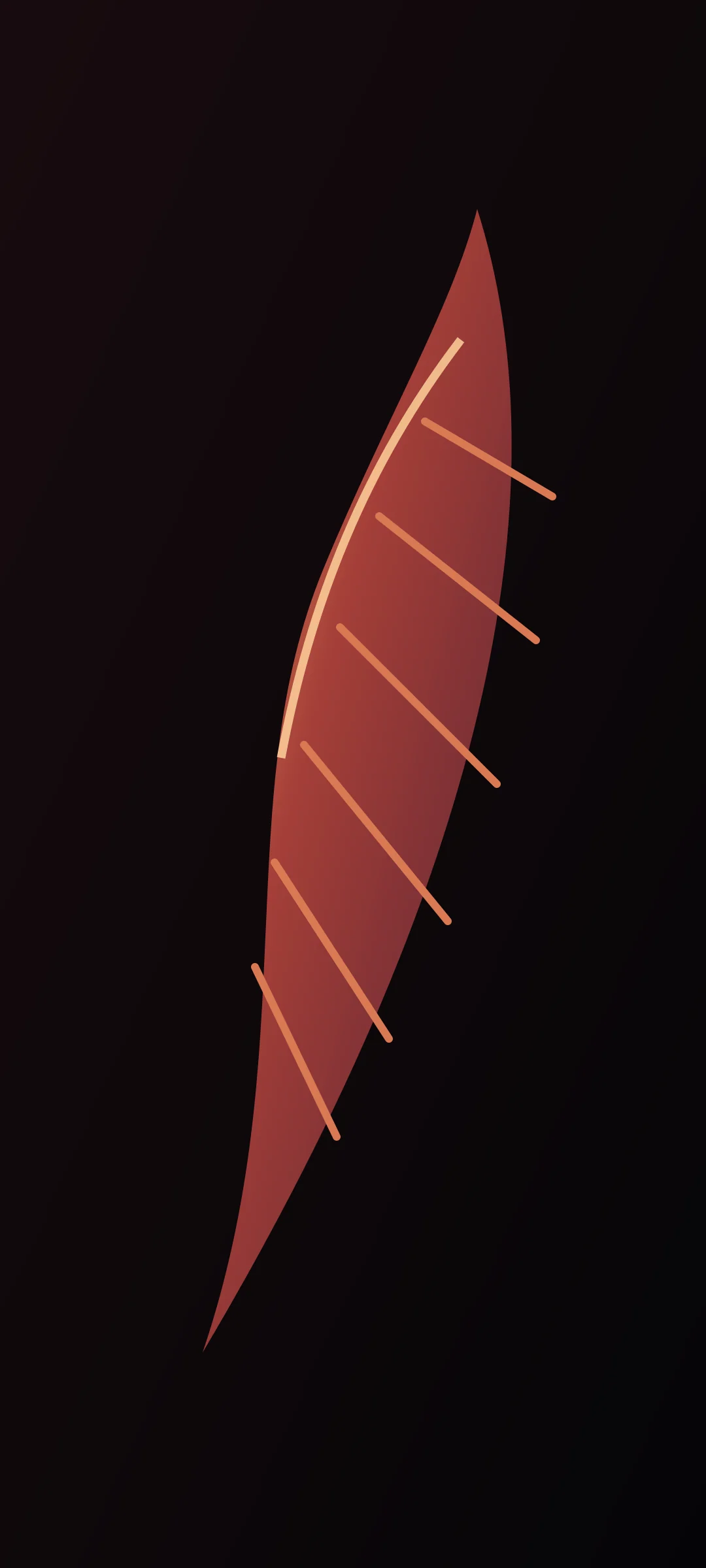
A restrained palette can still feel luminous when value, texture and surface temperature do the work.

A repeatable check for shadow separation, gradient banding, compression and icon readability.
A six-stage workflow for turning a detailed firebird study into a focused vertical mobile image.
Wallpaper selection guide
Good wallpaper fits the screen, protects its subject and leaves the interface readable. Use this six-point check before you set an image.
Open the complete guide ↗Choose a file at least as large as the display, then keep a higher-resolution master.
Match the screen shape before worrying about the exact pixel count.
Preserve several near-black values so texture survives lower brightness.
Keep busy highlights away from frequently used home-screen areas.
Protect the focal point with a generous safe area on every side.
Compare the final exported file with the master at full-screen size.
From sketch to screen
The workflow begins with context and ends with a documented export. Every stage asks whether the image still reads on a small, busy screen.
Separate documented references from new visual invention.
Place the focal form and quiet icon space in a vertical frame.
Build the large wing rhythm before adding feather detail.
Use ember light sparingly and keep shadow steps visible.
Test crops, widgets and icons on more than one screen shape.
Create a web-ready derivative and document its licence.
Wallpaper library
Filter by visual approach and download the exact artwork shown. No account or unrelated installation is required.
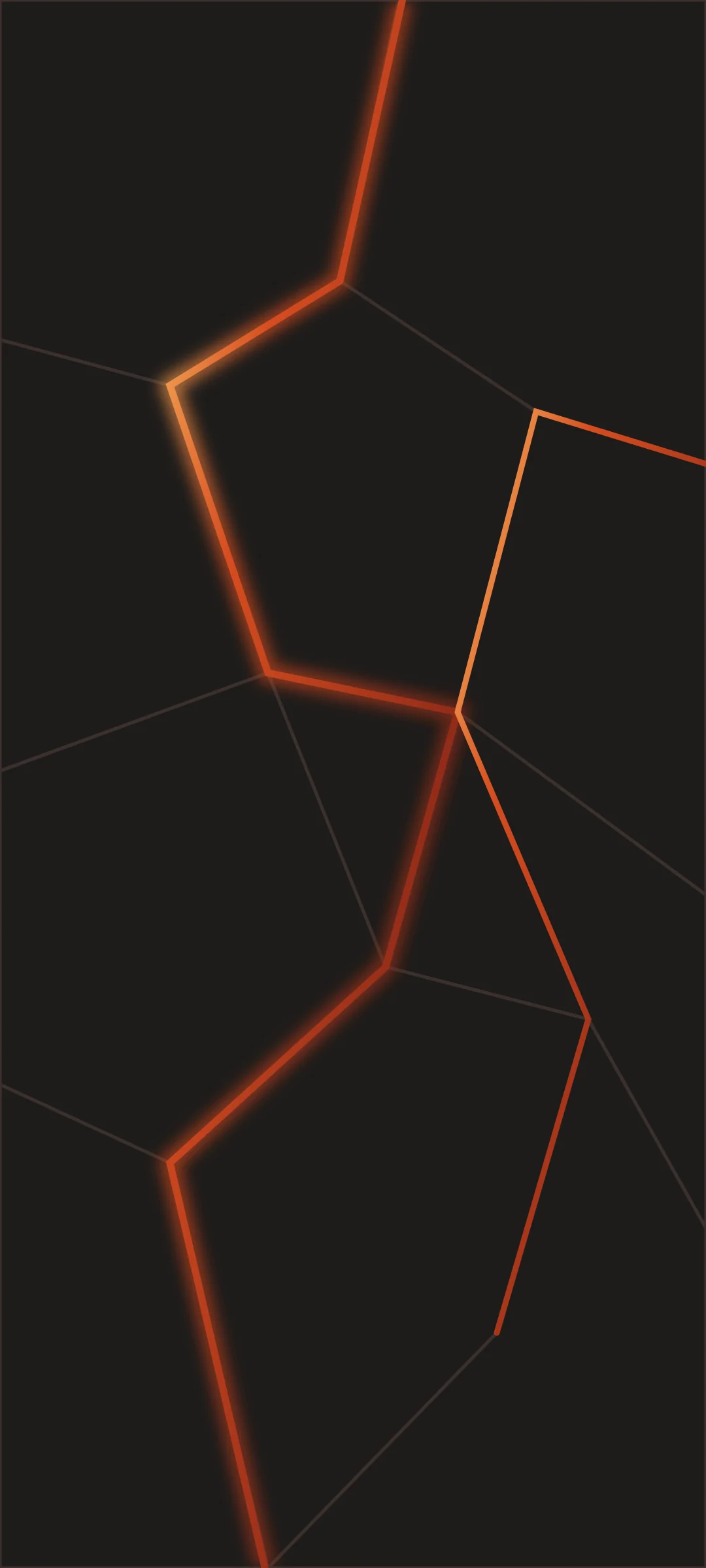


Downloads are original WebP studies for personal, non-commercial screen use. See the Copyright Policy before reuse.
How we work
Historical claims link to museum or specialist sources. Contemporary interpretation is labelled as interpretation.
Every image carries a production credit or a source-page reference with the stated rights status.
Until named contributors are verified, work is signed by the institutional EmberScreen Editorial Desk.
Substantive updates add a date and explanation instead of silently rewriting the record.
Questions & answers
The six original studies in the library may be downloaded for personal, non-commercial screen use. Redistribution, resale, training use and commercial publication are not included.
Start with an image that matches the shape of your screen and is at least as large as its pixel dimensions. Preview the crop on the actual device before setting it.
No commercial licence is granted by the download button. Contact the verified rights holder after the publication owner details are activated.
Every original work names its production credit and licence near the image. External historical references include the institution, object page and stated rights information.
They are prepared with dark emissive displays in mind, but appearance varies by device, profile, brightness and user settings. Test the chosen file on your own screen.
Use the Contact page and include the image URL, the requested change and evidence of rights ownership. Requests are logged and reviewed under the Corrections and Copyright policies.
About the publication
EmberScreen covers mobile image craft, display-aware design and the changing visual language of the phoenix. Articles are produced under the EmberScreen Editorial Desk until verified contributor profiles are supplied by the publisher. Legal ownership and postal details remain explicitly marked for activation before public launch.